 April 2, 2026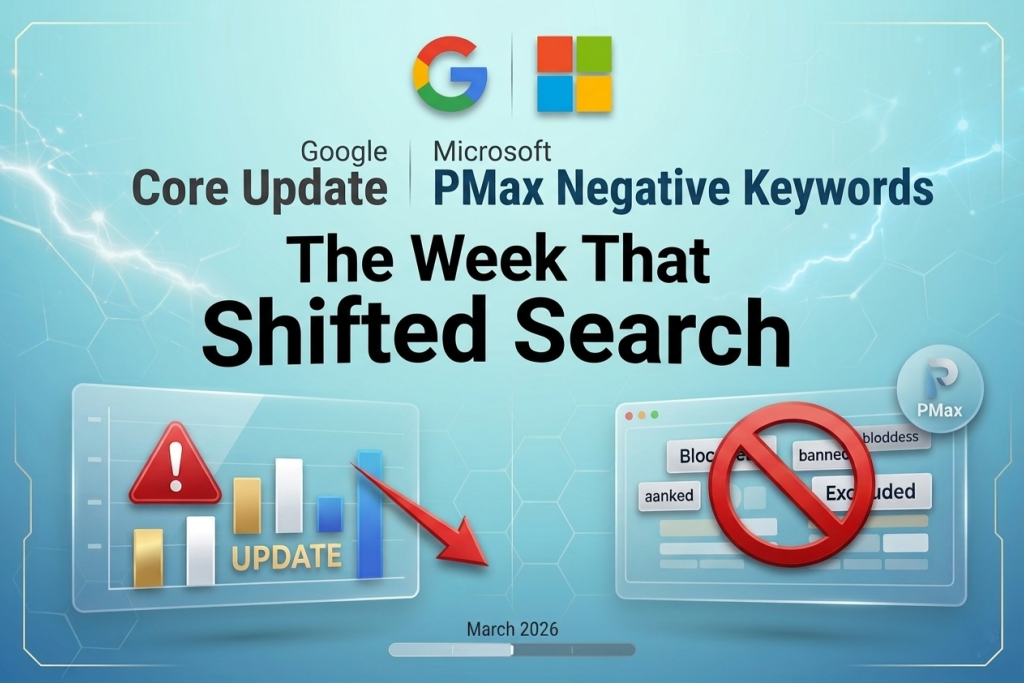
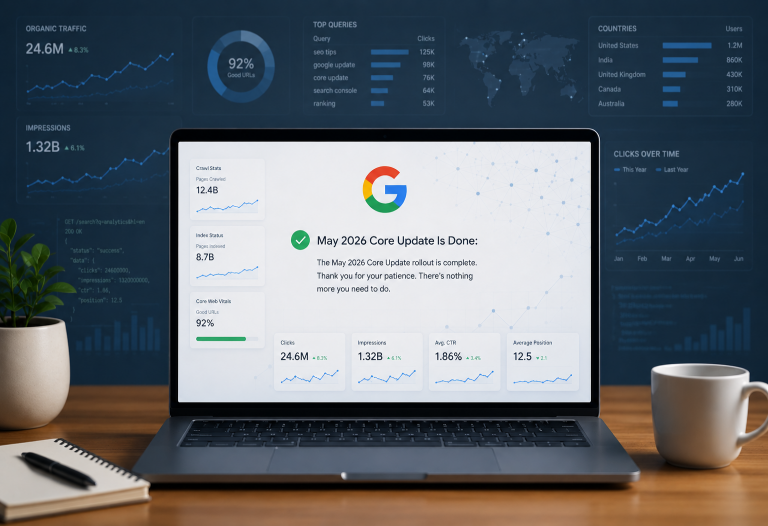
Google launched its March 2026 core update on March 27 which seems like a broad algorithm refresh expected to take up to two to three weeks to fully roll out globally. Google describes it as “a regular update designed to better surface relevant, satisfying content for searchers from all types of sites.”
Early reports from agencies show no major client impacts yet, but the rollout is still in early stages. But whenever an update like this happens, I have seen the rankings shift.
Now, here’s what I want you to notice.
The same week Google pushed a core update reinforcing quality signals and content authority; Microsoft quietly did something equally telling on the paid side. It handed advertisers back control they never should have lost in the first place.
So, for a while, running Performance Max on Microsoft Advertising meant accepting a deal you didn’t fully negotiate.
The automation was doing its thing. But if you wanted to exclude certain queries, you had to raise a support ticket, wait days, and hope someone actioned it before the budget burned further. Real-time control wasn’t part of the package.
That changed in February 2026. Microsoft Advertising launched self-serve negative keywords for Performance Max campaigns, eliminating the previous requirement to contact support for this critical feature.
By March, support for API, Editor, and importing negative keywords from Google Ads also became available. This was a small update but a big signal.
What changed
Advertisers can now create and manage shared negative keyword lists directly in the UI.
Lists support up to 5,000 negative keywords and can be applied at either the campaign or account level.
Lists can be edited, exported as CSV files, or removed from campaigns as needed.
Negative keywords currently only apply to Search and Shopping inventory within PMax, so Display and other placements aren’t covered yet. Worth keeping in mind before you assume full coverage.
One practical note: match type formatting requires brackets for exact match and quotation marks for phrase match and not hyphens. Get that wrong and your exclusions won’t fire correctly.
Why this matters beyond the feature itself
The PPC community has been pushing back on full automation for a couple of years, but automation does work under the right conditions. Also “the AI will handle it” was becoming a reason for platforms to reduce advertiser visibility and control.
Microsoft’s own blog acknowledged this directly: “We’ve heard your feedback. You still need self-serve ways to guide and control where your ads appear and where they shouldn’t.” Platforms are now actively competing on control as a feature, not just performance. And that changes how you should evaluate your paid media stack.
The Google comparison
On Google Ads, Performance Max does not support campaign-level negative keyword lists through the standard interface. Account-level negative keyword lists apply across all campaigns including PMax, which is currently the most reliable mechanism for blocking wasteful queries.
For campaign-level exclusions in PMax specifically, you need to work through your Google Ads account representative.
Google PMax supports negative keywords broadly, allowing up to 10,000 negatives per campaign but the access route is more restricted for campaign-level precision.
Microsoft is moving faster on self-serve control. That directly affects how quickly you can act when campaigns start serving off-brief.
Guided automation
The framing of “automation vs control” is becoming outdated. The more useful question is: what inputs does your automation need to perform better?
Negative keywords are inputs. They remove waste, protect brand safety, and sharpen the signals that smart bidding learns from. Cleaner signals improve match quality, CTR, conversion rate, CPA, and LTV. When you exclude irrelevant queries, you’re training it and that’s a different mental model that produces different results.
What I would recommend
→ Build your negative keyword lists at account level first. Universal exclusions that apply across all campaigns (branded competitor terms, irrelevant job-seeking queries, low-intent generic terms).
→ Layer campaign-level lists for precision where intent varies by offer or product line.
→ Import your existing Google Ads negative keyword lists to avoid starting from scratch and the import functionality is now live.
→ Review search term performance data in PMax Insights weekly and treat the Search Categories report as your exclusion opportunity list.
→ Set a regular audit cadence. High-spend campaigns benefit from weekly reviews; lower-spend accounts can stretch to monthly.
See, both Google and Microsoft have been walking back the “just trust the AI” positioning they were pushing hard two years ago. The addition of negative keyword controls came in direct response to sustained advertiser pressure and represents platforms acknowledging that automation requires guardrails.
The platforms that win advertiser trust going forward will be the ones that let you guide the automation intelligently without sending a ticket and waiting three days. Microsoft just moved in that direction and it’s worth paying attention to.
At Primotech, this is the kind of work we’re doing week-in- week-in- week-out with our clients by building paid media strategies that don’t just run on automation but run it intelligently. That means setting up Performance Max campaigns with the right input architecture from day one. Negative keyword frameworks that protect budget and sharpen targeting signals.
I am also keeping a close eye on how Google’s March core update settles and then adjust organic and paid strategies accordingly. If this resonates and you want a direct conversation about what’s working right now, reach out to me at [email protected]